Assess cases with AI
Endre AI can help you check what’s written in the contract about a specific case. For example, if you receive a claim, you can ask Endre AI whether the claim’s cost is covered by the contract. This can help you decide whether to approve or reject the case.
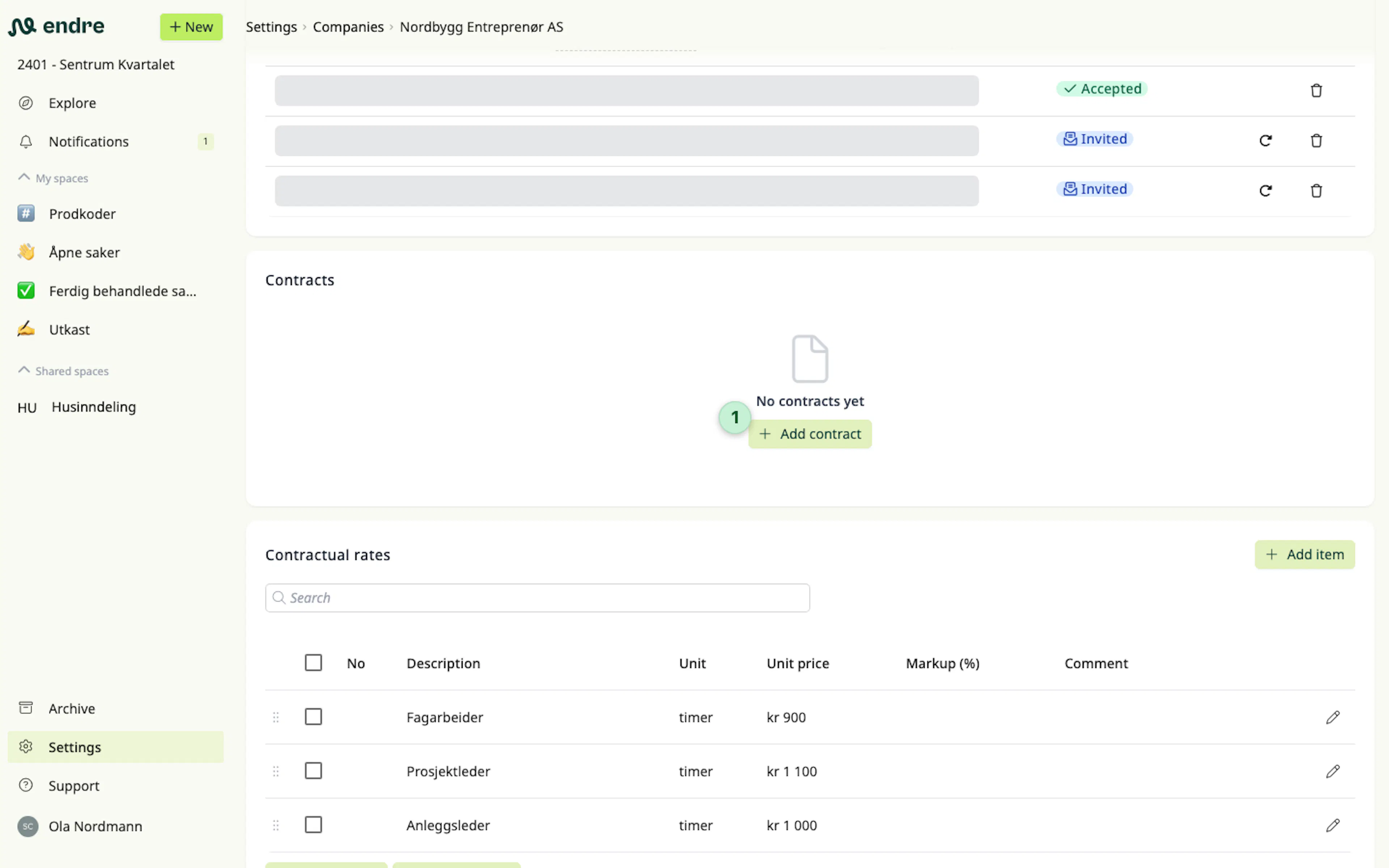
To start using Endre AI, you can upload PDF copies of contracts for each counterpart you’re working with in the project settings 1.
👉 Good to know: In addition to the contracts, you can also attach related documents, such as meeting notes.
Find relevant information about a case in the contract
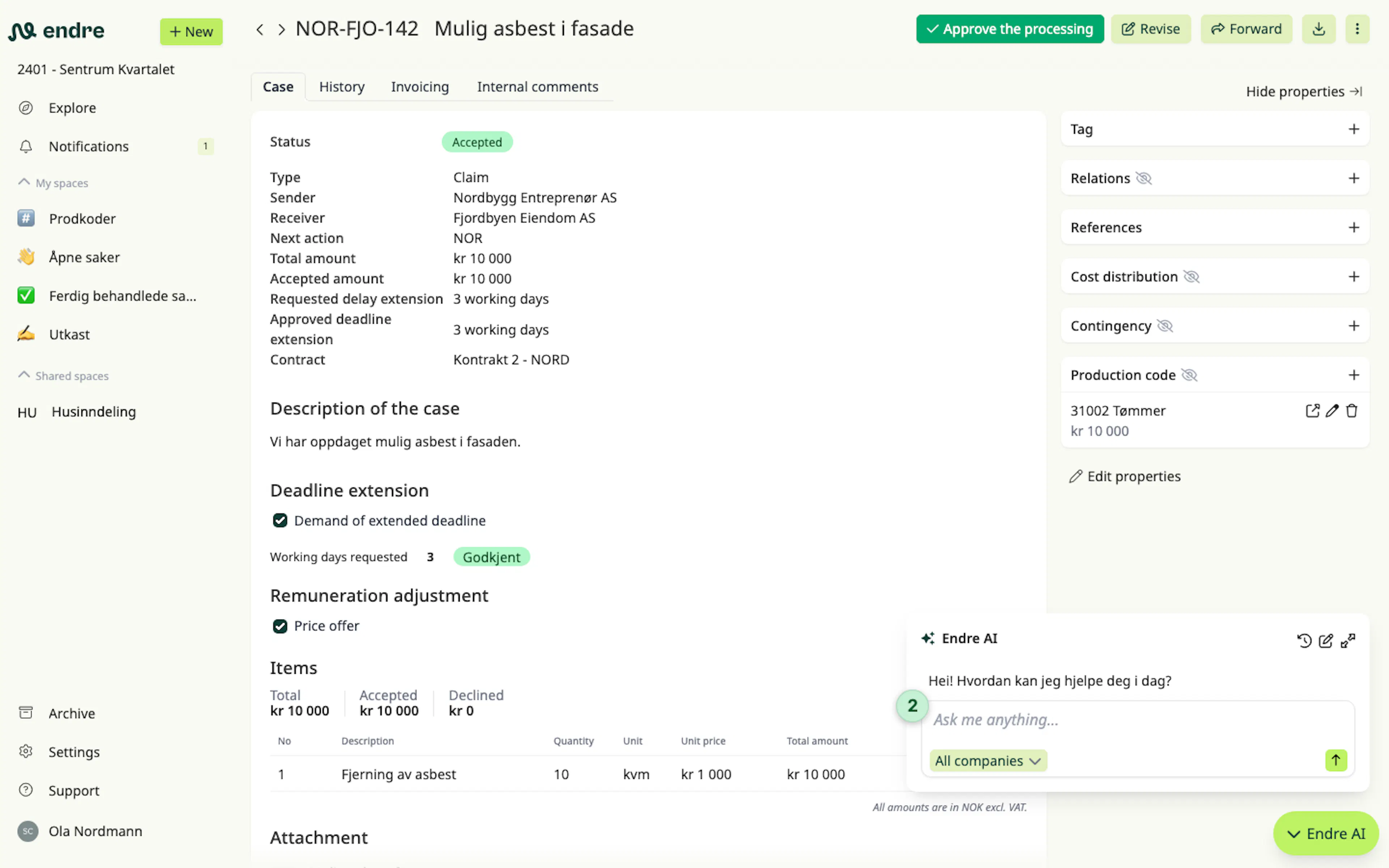
You can check what the contract says about a specific case by opening the Endre AI window and clicking "Find relevant information" 2.
Ask questions about your contracts
You can also ask general questions about a contract, such as "What does the payment schedule look like".
Was this page helpful?