Export
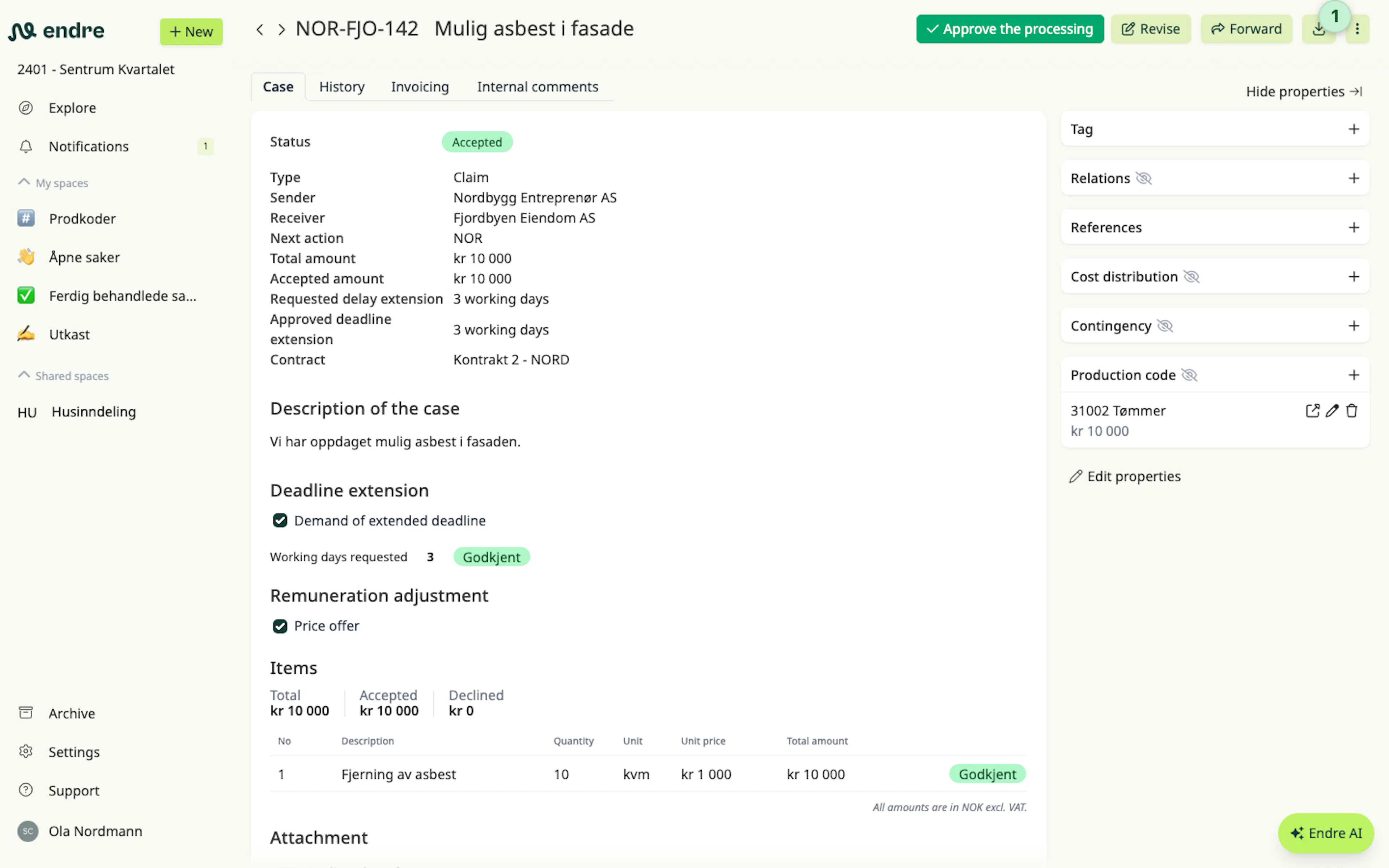
A case can be exported as a PDF by clicking Export 1 in the three‑dot menu at the top right. All attachments in the case are also downloaded into a folder alongside the PDF file.
The export always contains the latest version of the case. If you want to export multiple versions or the entire timeline, you can read more under History.
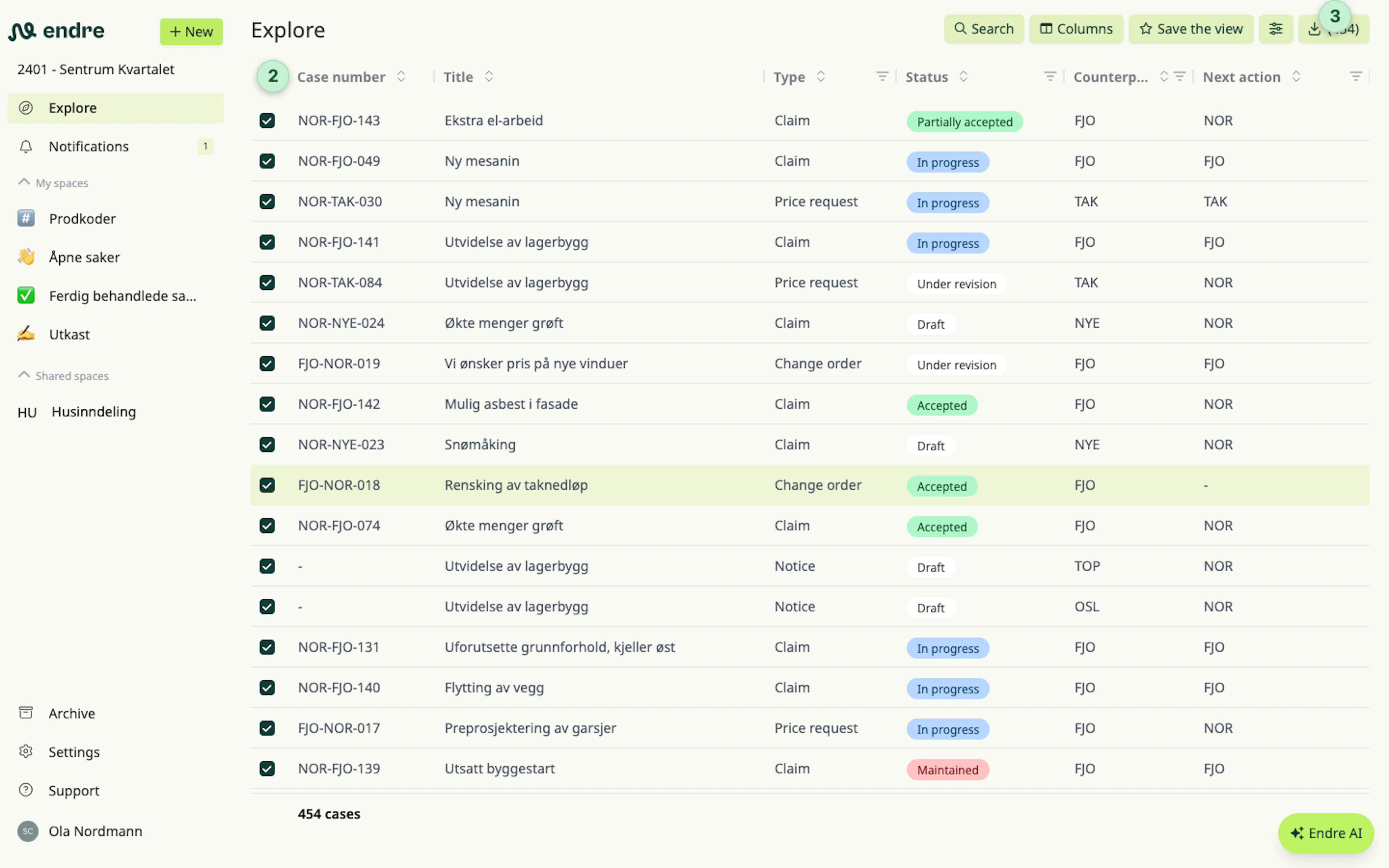
It is also possible to export multiple cases or the entire case list from the Explore page as an Excel sheet. Use the checkboxes 2 to choose which cases to export and click Export 3 at the top right.
Was this page helpful?