Notes
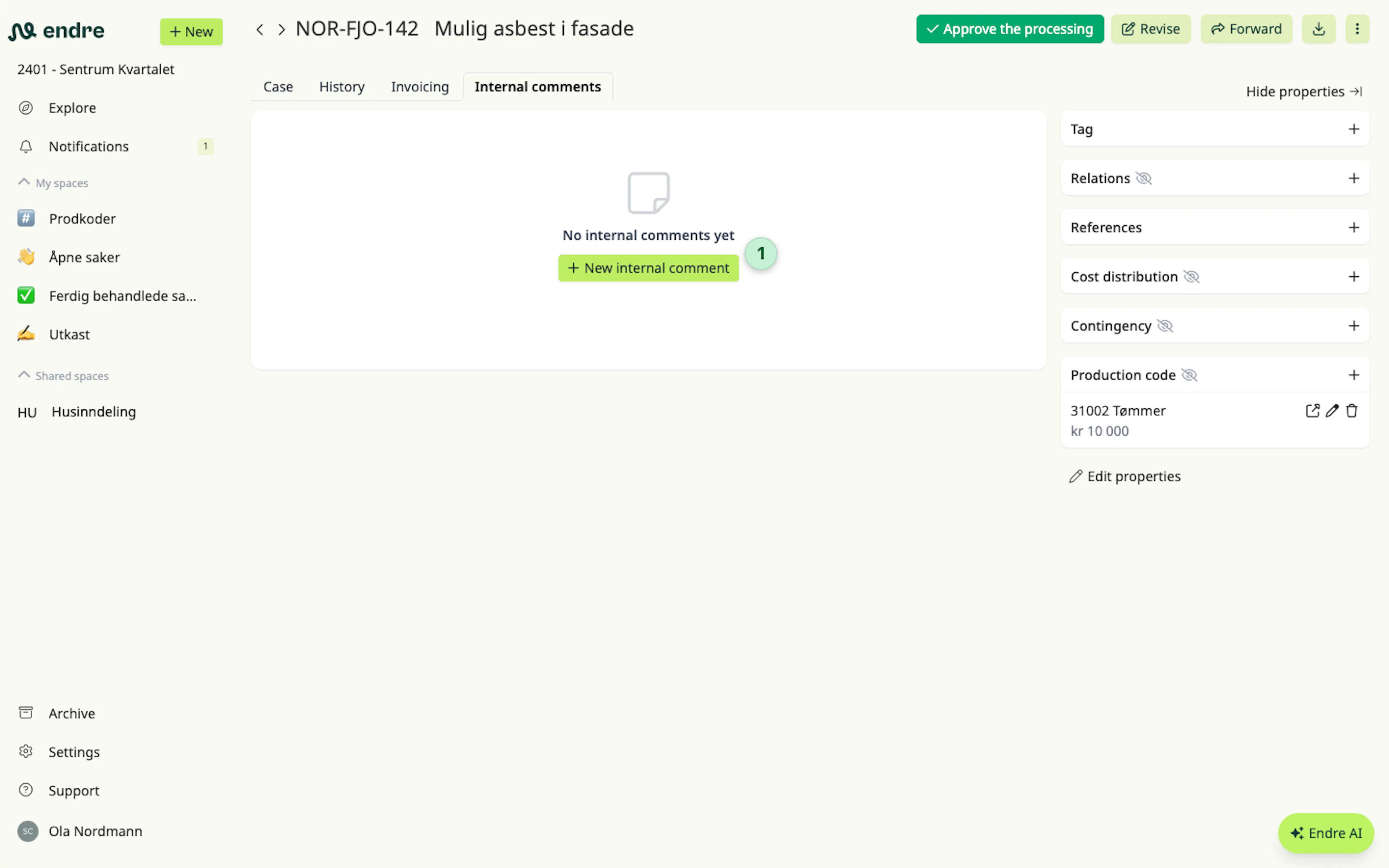
You can add internal notes to a case to discuss internally, share updates, or ask for input before responding to the case.
Internal notes are only visible to users in your own company. They are not shared with the counterparty and do not affect the external dialogue in the case.
To add an internal note, click the option to create a note at the bottom of a case 1. You can write your message and include any relevant information for your team.
👉 Good to know: To get someone’s attention in a note, you can tag them by typing @ and selecting the person’s name.
Was this page helpful?