Tags
You can assign tags on a case to help organise and find relevant cases later. Tags will make it easier to find cases in the Explore view or within specific spaces through a column that you can add from the column selector.
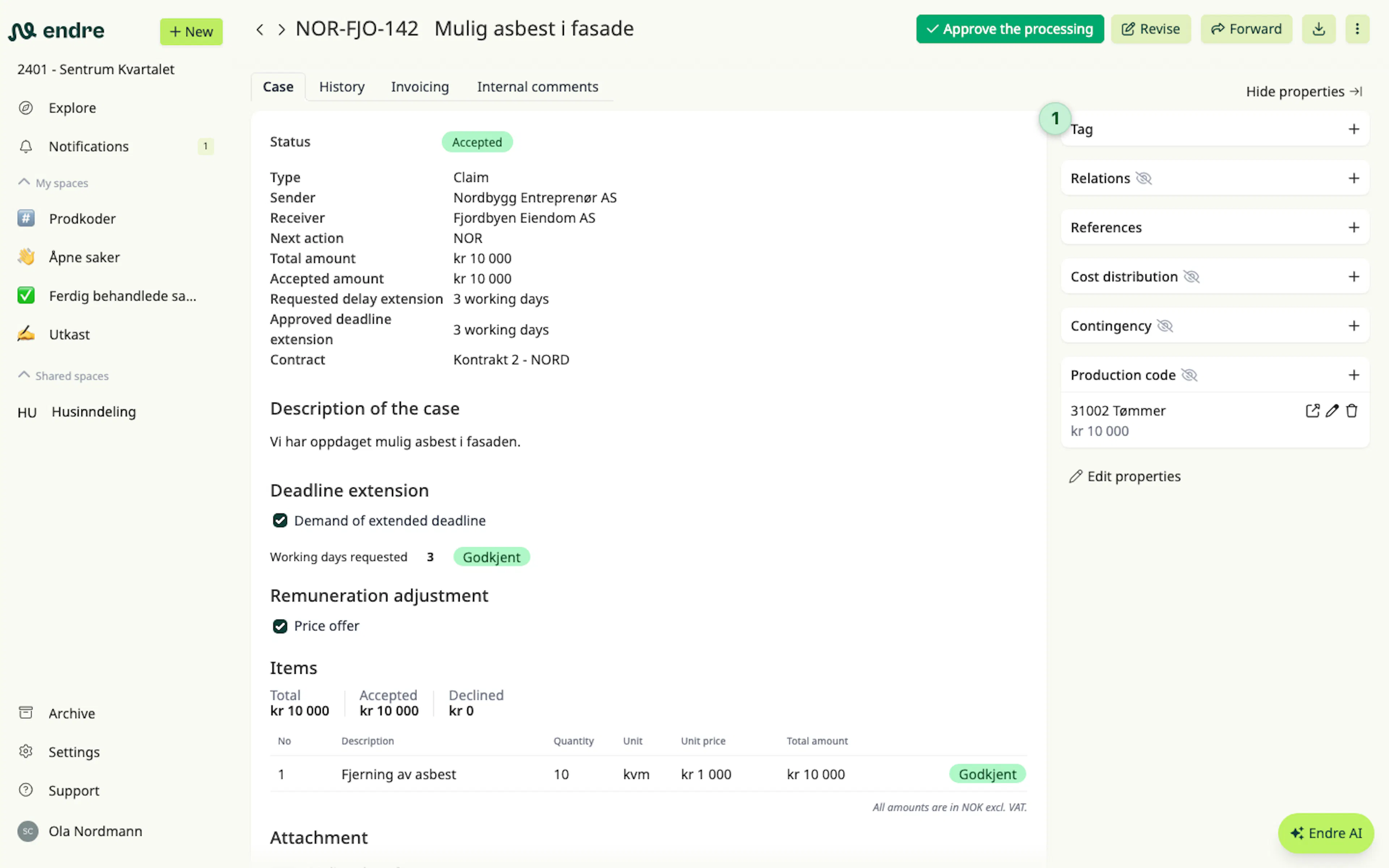
Scroll to the bottom of the case and you will find the option to add a tag 1.
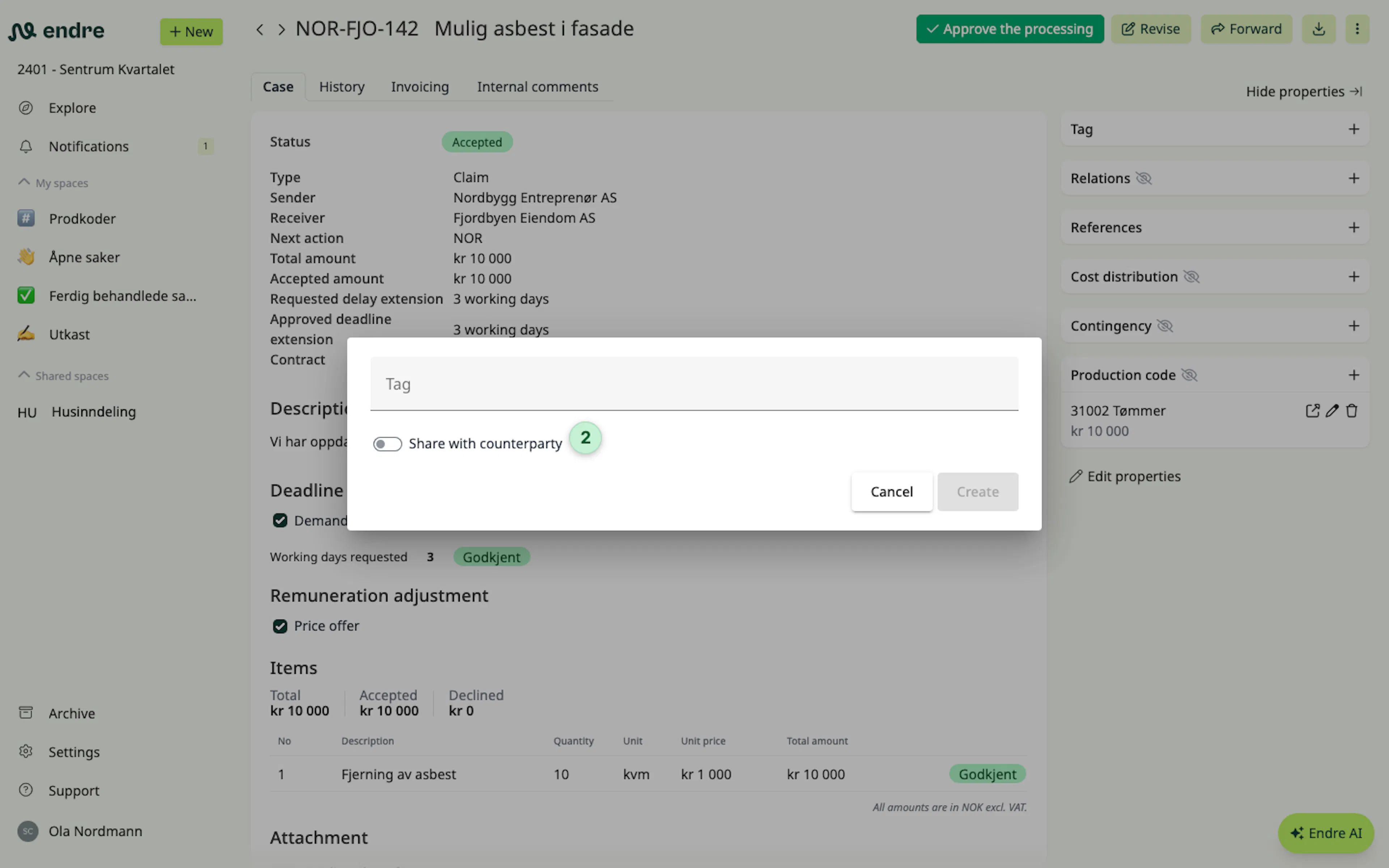
You can choose whether a tag is private and visible only to your company, or shared so the counterpart can also see it 2.
Was this page helpful?