Forward to other companies
With Endre you can easily forward a case from one counterpart to another. This allows you to manage complex workflows efficiently across multiple parties.
For example, if you receive a claim from a subcontractor, you can forward it to the client and add your markup. Similarly, if you receive a price request from the client, you can break it down into multiple price requests for subcontractors, and then send a consolidated price offer to the client.
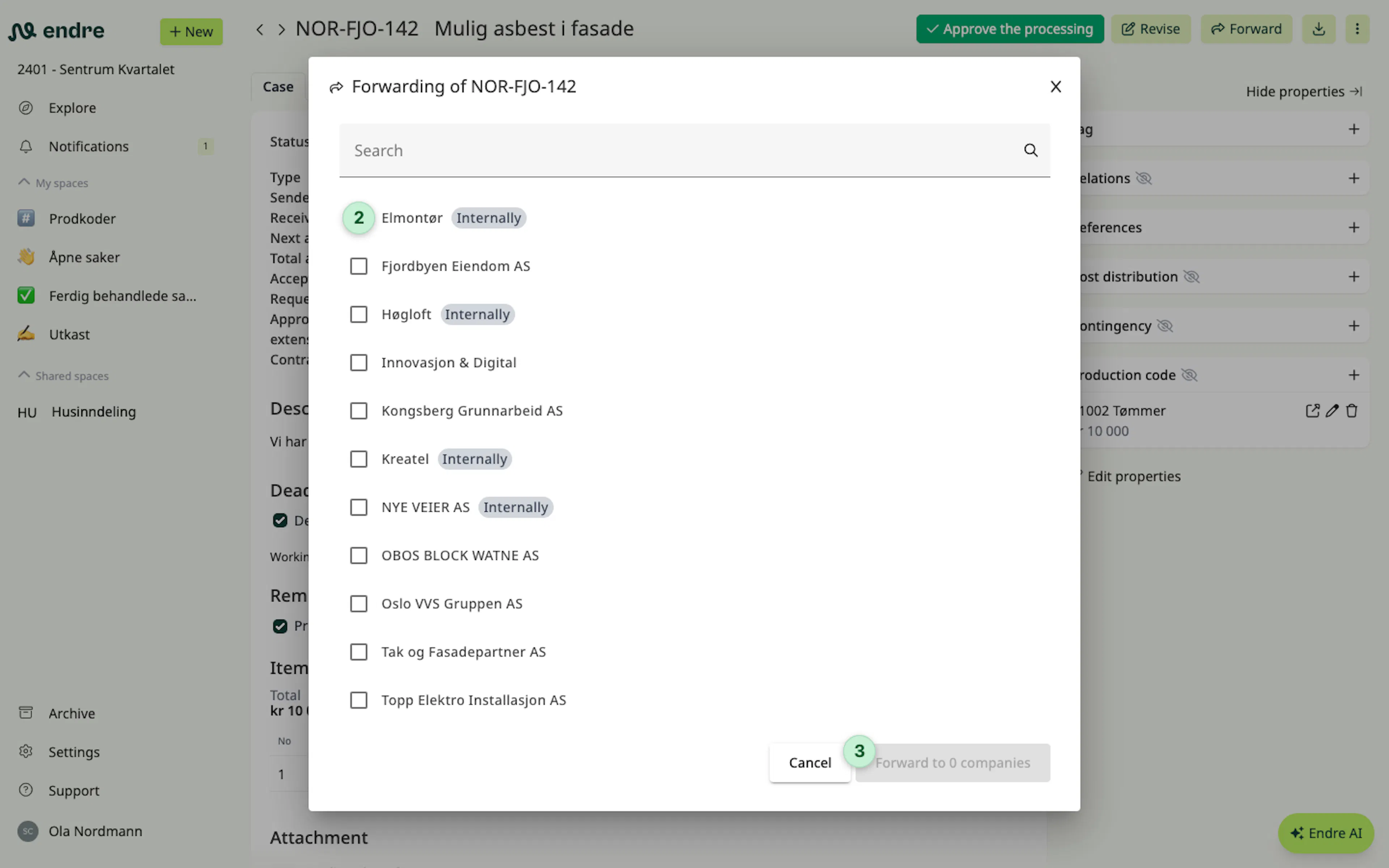
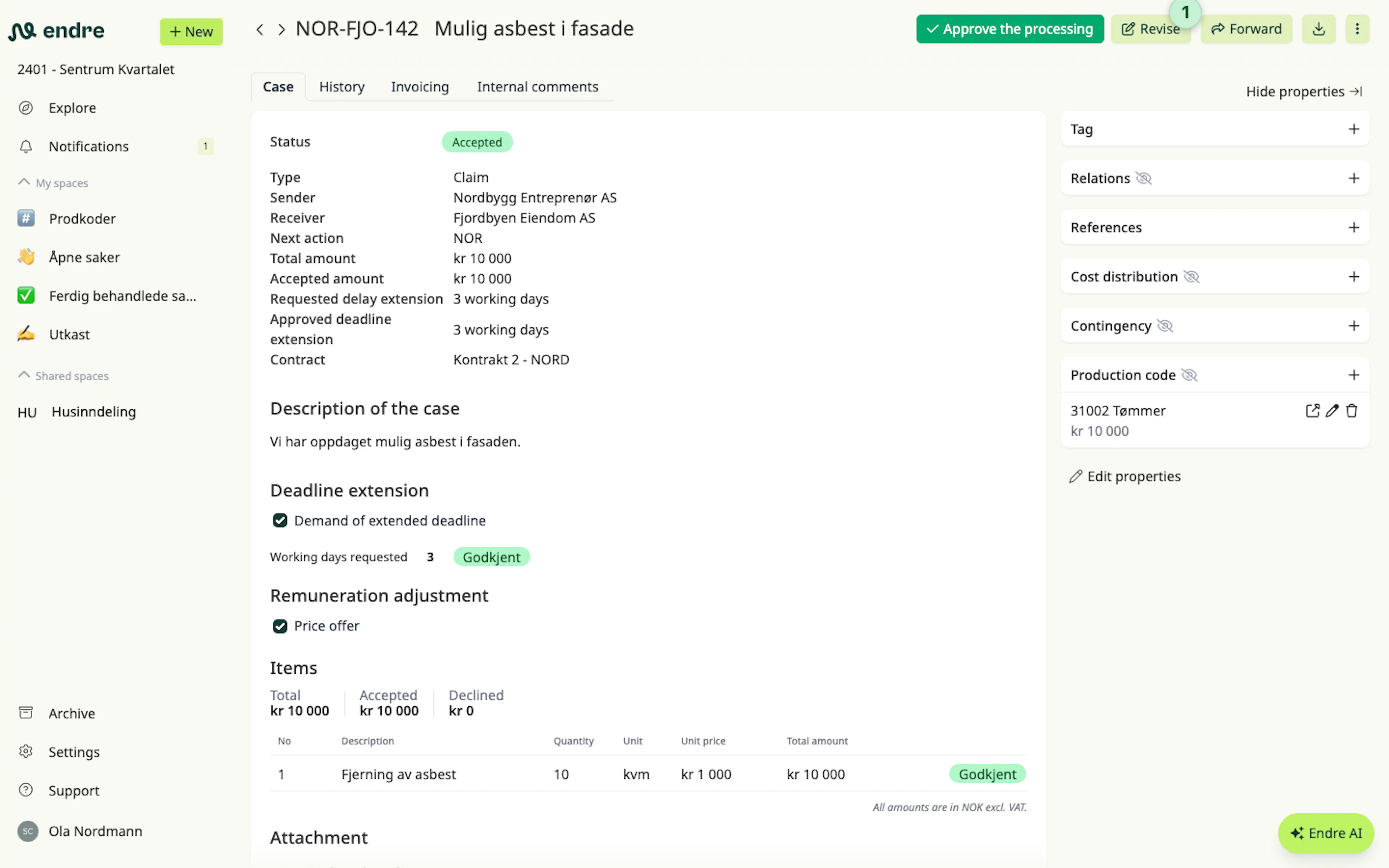
To forward a case, go to the top right of the case page and select forward or copy 1. Then you can choose which companies you want to forward the case to.
👉 Good to know: You can forward a case to multiple companies at once.
When forwarded, one or more draft cases will be created. Then you can review these drafts before sending them.
Case relations
Once a case is forwarded, it establishes a relation to the original case. If you scroll down on a case, you will see all its related cases and you can click on them to open them 2.
Forward more information between related cases
It is possible to easily forward more data to related cases. For instance, if you receive additional costs on a subcontractor claim, you can quickly add these cost items into your client-facing claim.
- Cost items can be copied from one case to another using the import function
3. Markup can be added if needed. - Descriptions can be copied and pasted manually.
- Attachments, if needed, can be downloaded from one case and uploaded to another.