See case activity
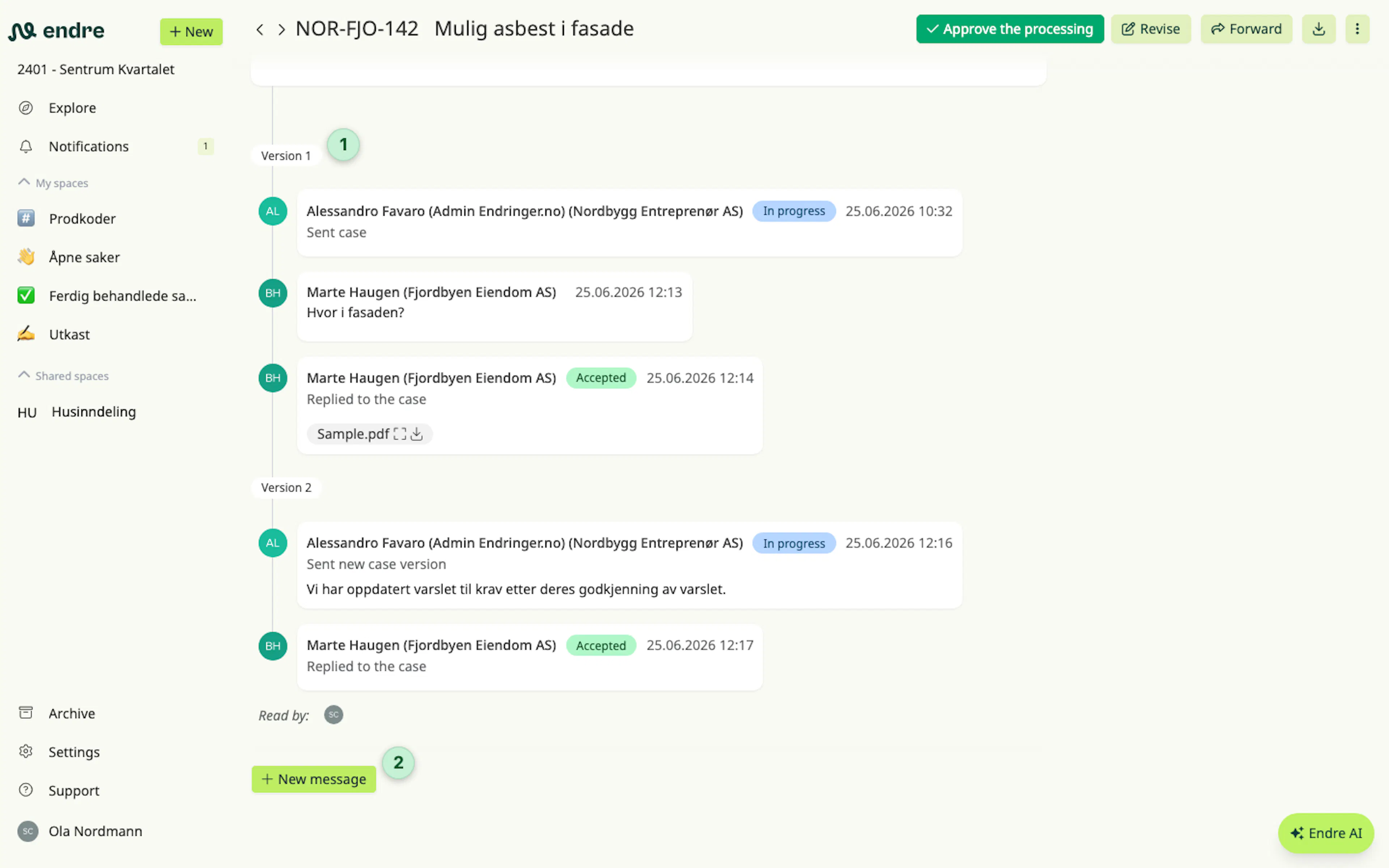
Each case includes a timeline at the bottom of the page 1. The timeline gives you a complete overview of everything that has happened in the case. It shows when the case was sent and by whom, when new versions were created, and when the counterparty has viewed or responded to the case.
It is possible to send messages 2 in the timeline to share updates, ask questions, or provide additional context. Messages can also include attachments such as images or documents.
👉 Good to know: To get someone’s attention in a message, you can tag them by typing @ and selecting the person’s name.
Was this page helpful?